Blog
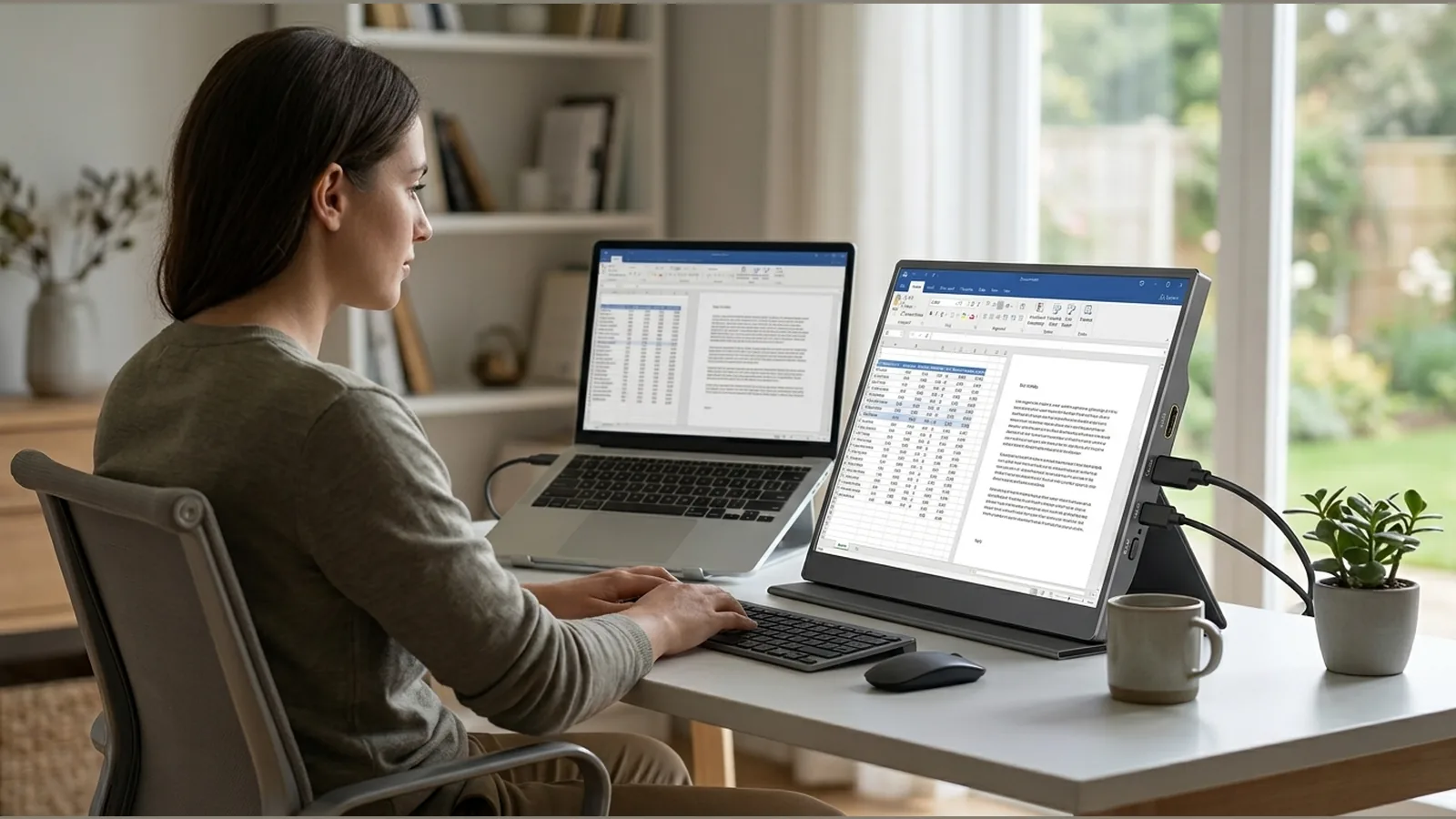
portable monitor home office workstation assessment
Use this UK DSE checklist for a portable monitor home office workstation assessment: posture, glare, breaks, Windows multi-monitor setup and a simple record.
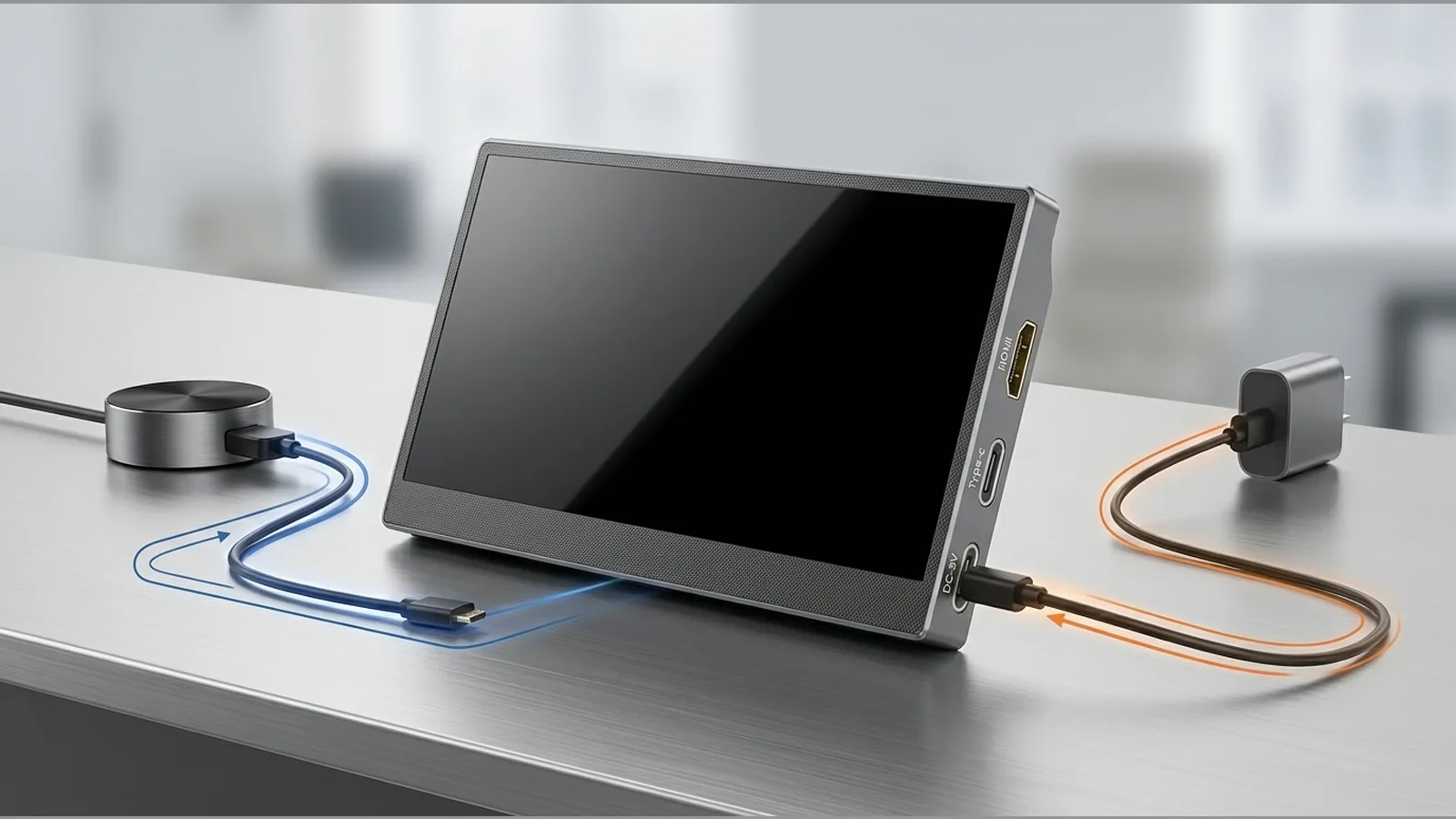
portable monitor HDMI needs separate power explained
Why a portable monitor on HDMI often needs a separate power lead: video path versus power path, console and Windows checks, and what to verify before buying cables.
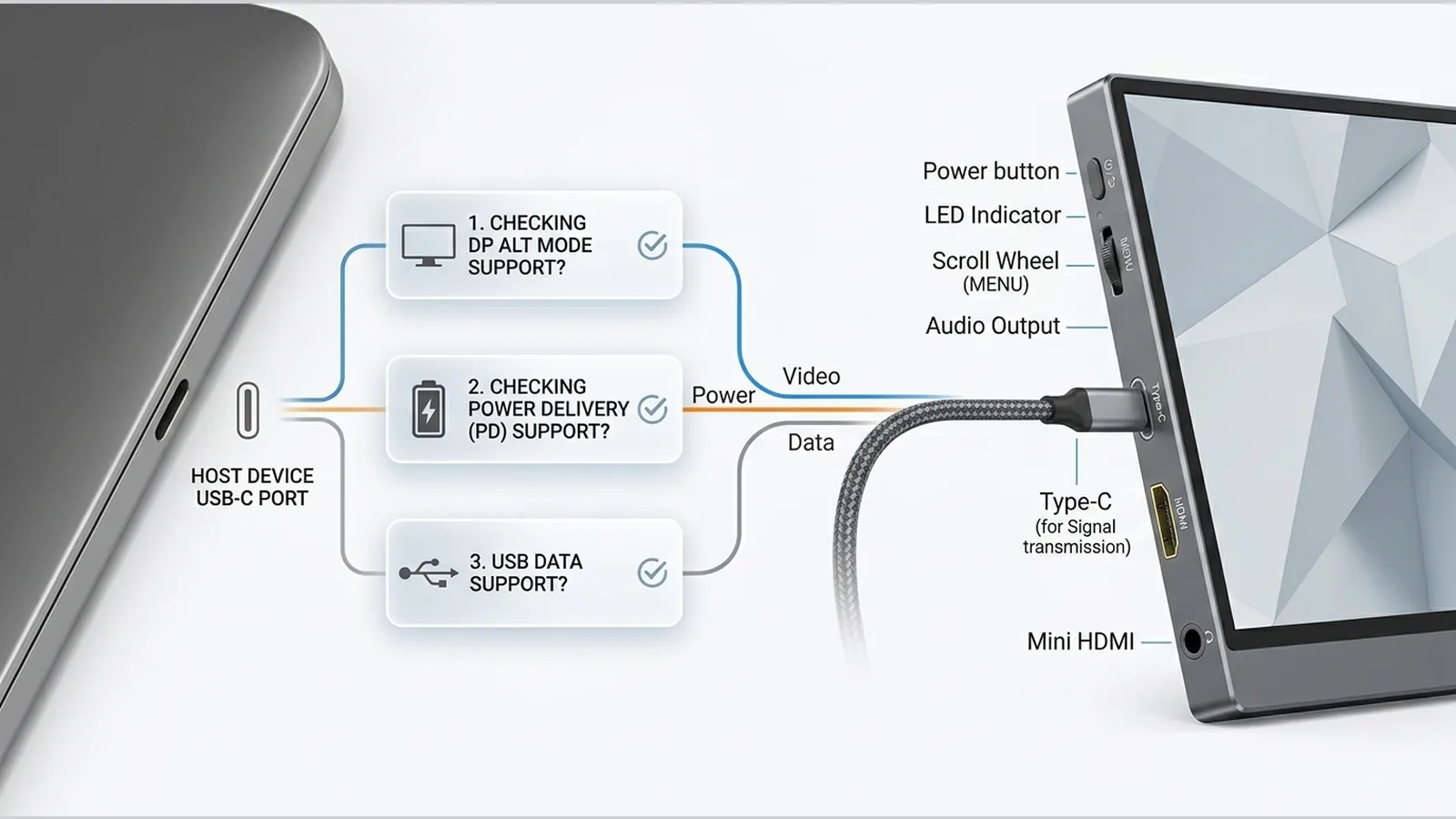
USB-C DisplayPort Alt Mode explained for portable monitors
Learn how USB-C differs from DisplayPort Alt Mode, what to check on your host and cable, and how to troubleshoot portable-monitor connections before you buy.
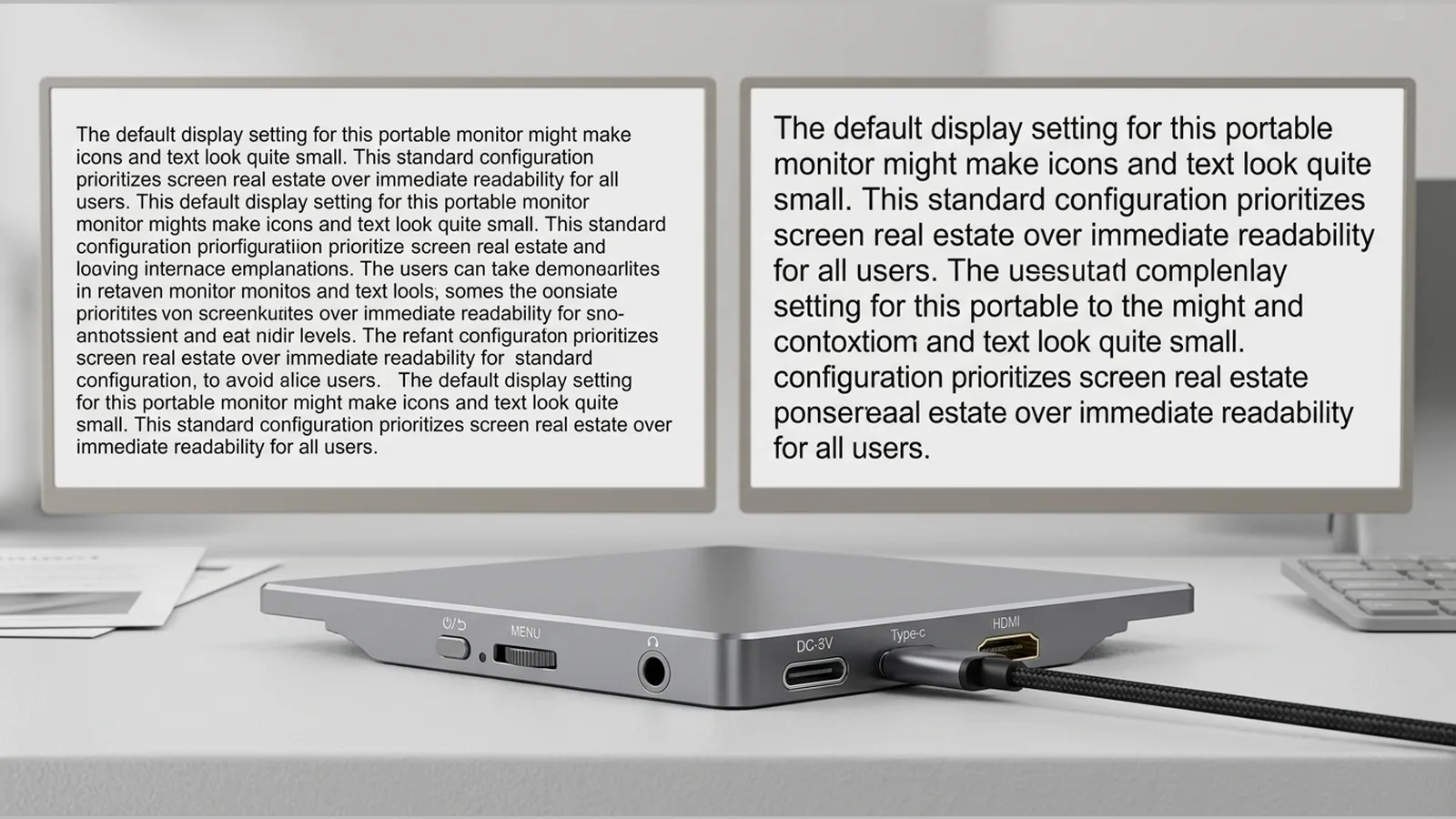
portable monitor text too small scaling Windows
Fix portable monitor text too small scaling Windows issues: select the right display, raise Scale before Resolution, prefer recommended settings, then review DSE comfort.
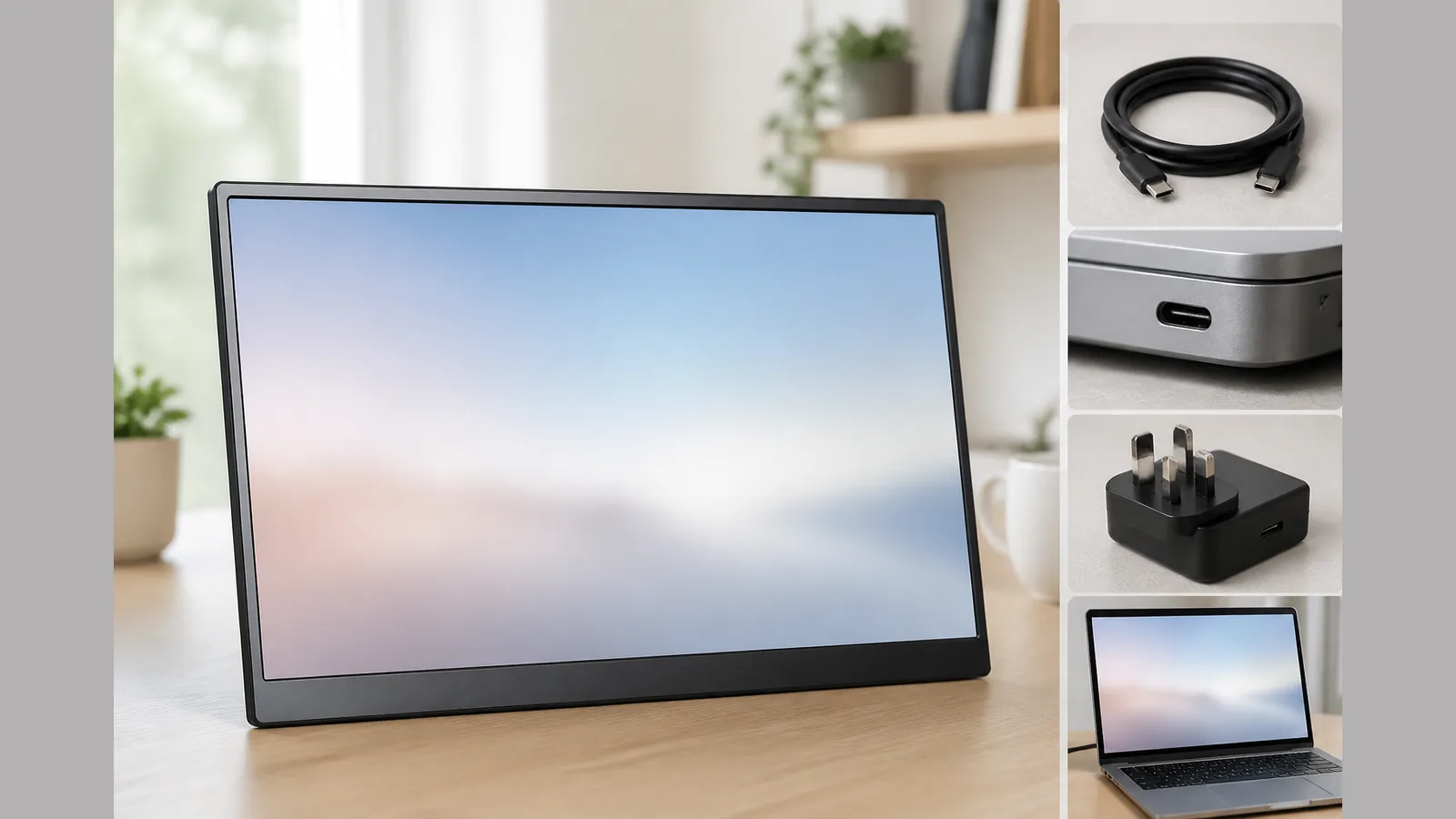
Portable monitor screen flicker USB-C troubleshooting
British English guide to portable monitor screen flicker USB-C troubleshooting: separate video, power and Windows causes, swap cables safely, then decide when to stop.
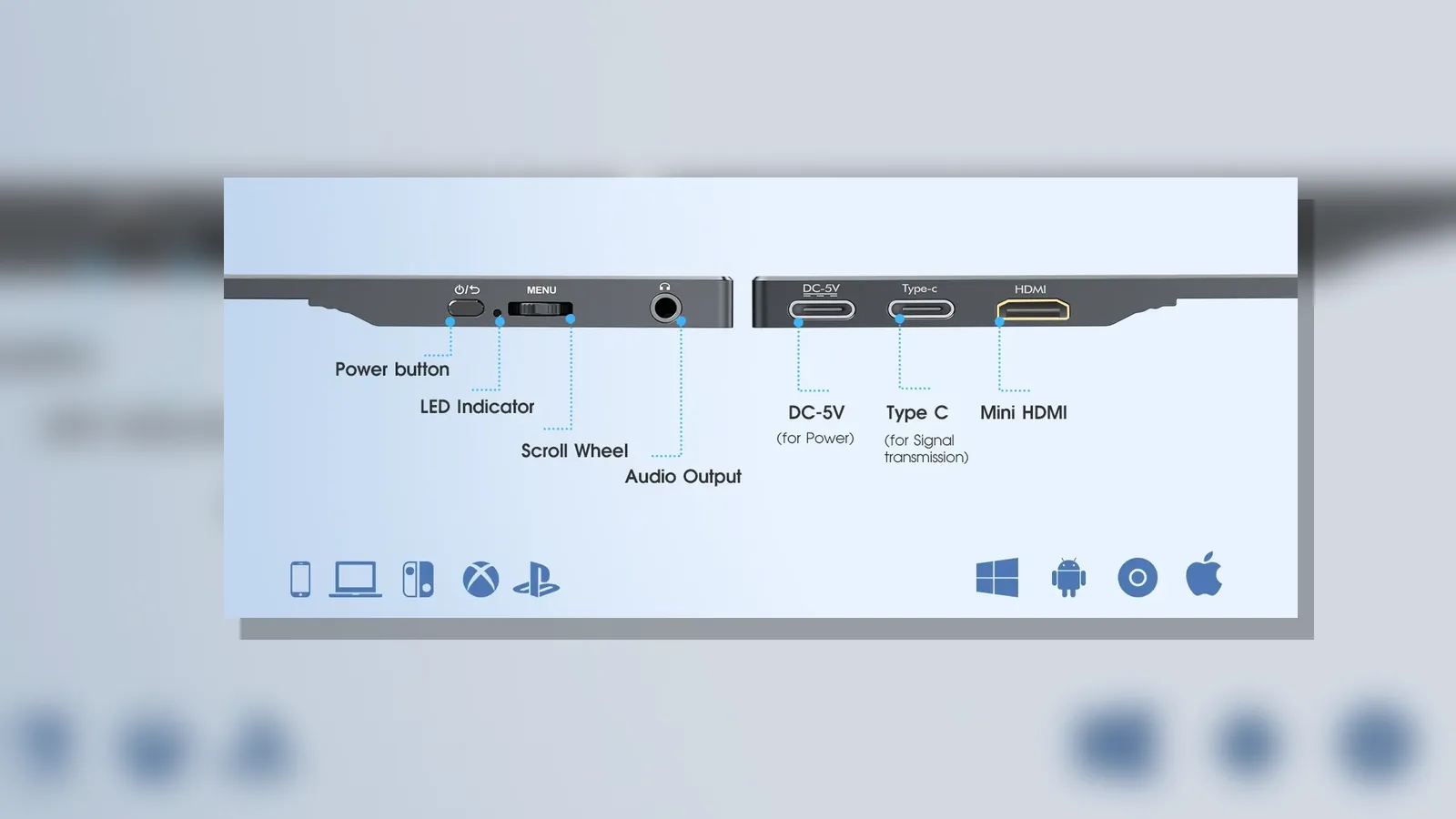
Portable monitor cable checklist before travel: pack for the host device, not the connector
Build a portable monitor cable checklist before travel around your host’s video and power paths, USB-C Alt Mode checks, HDMI kits and a quick pre-trip test.
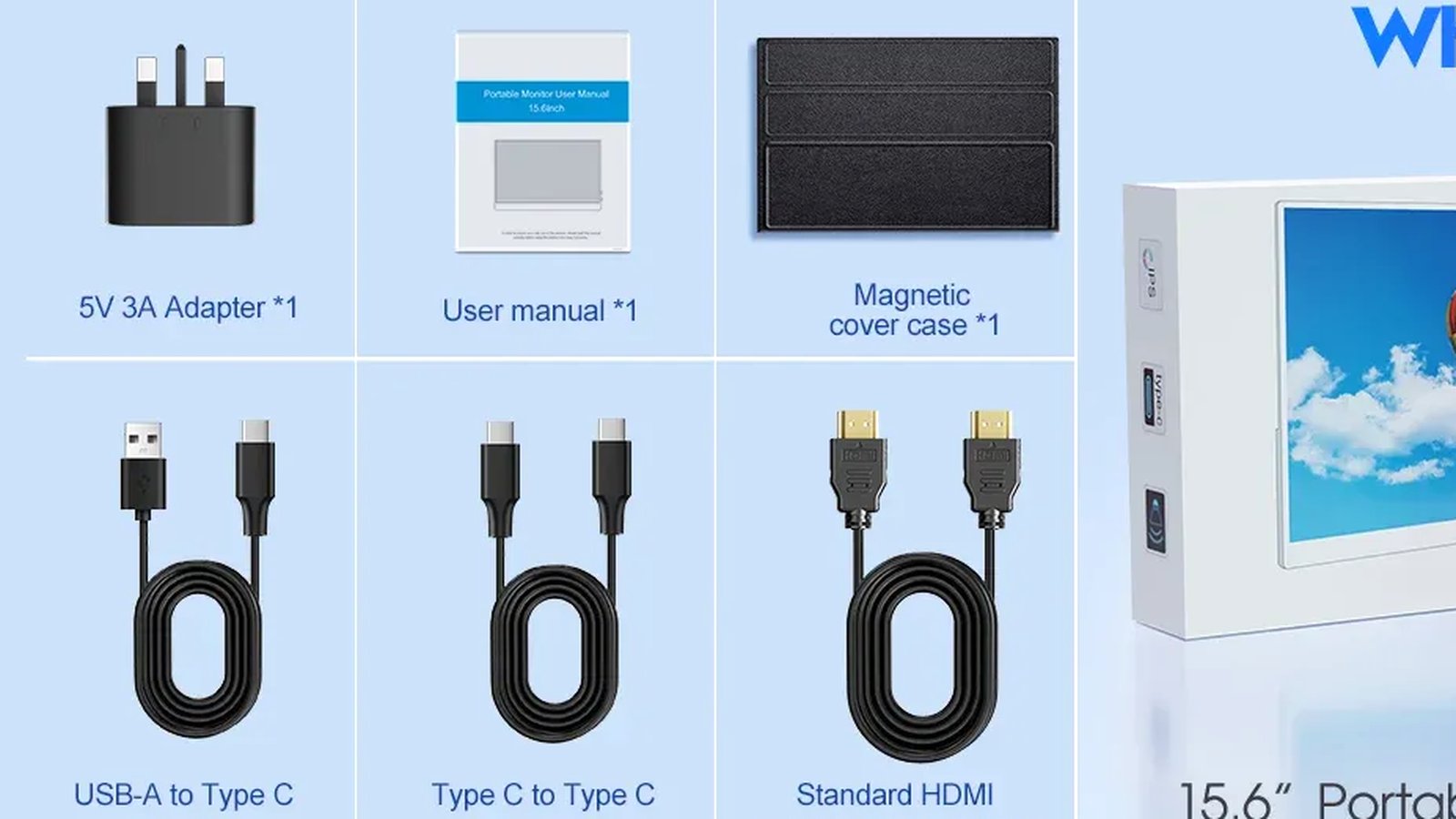
Portable Monitor for Steam Deck UK: The One-Cable Guide
Portable monitor for Steam Deck UK: drive the Deck over one USB-C cable into the Coolhood 15.6-inch Full HD panel and power it from the mains.
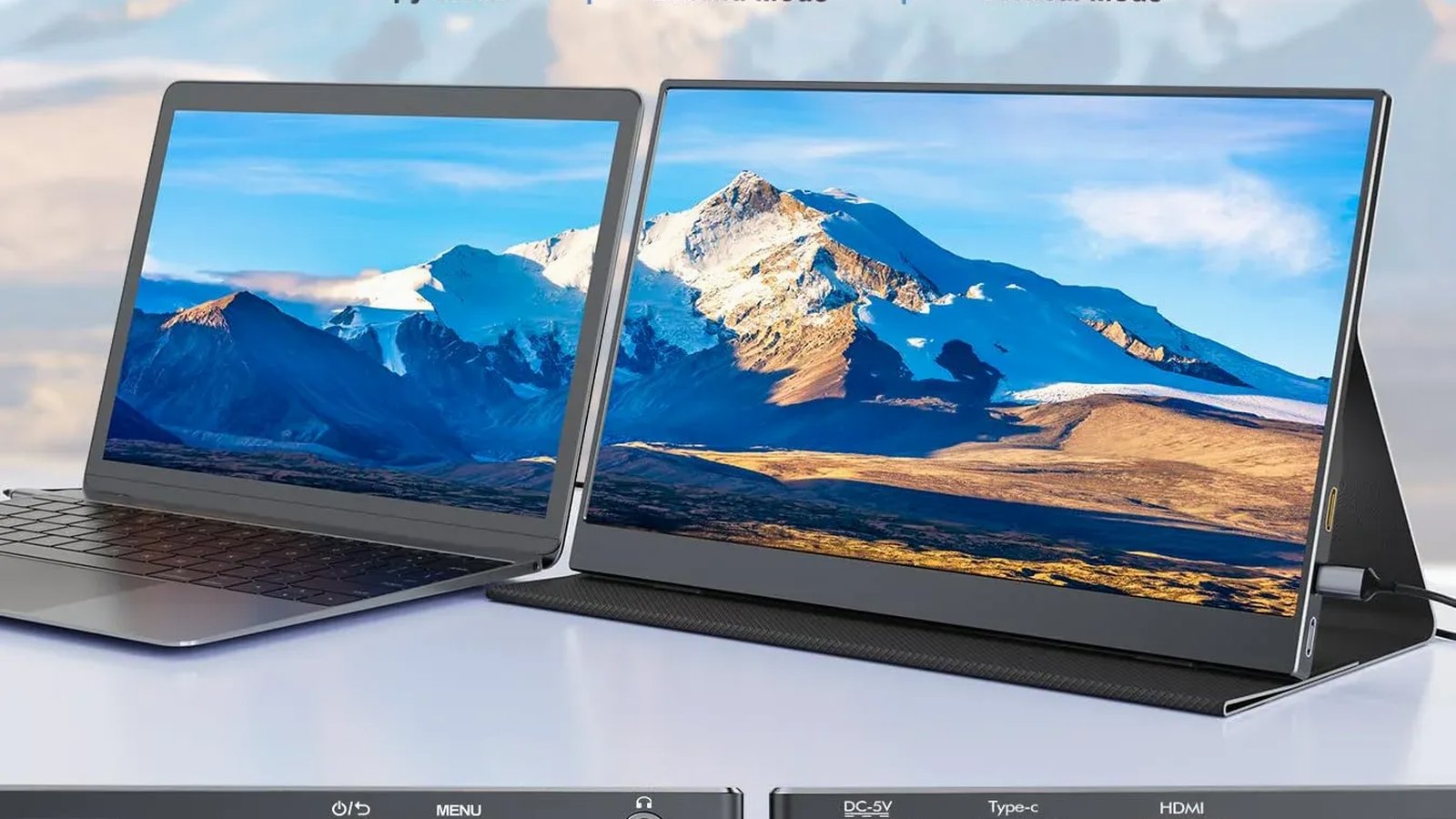
Coolhood Portable Monitor: What Reddit Really Says
An honest look at what Reddit says about the Coolhood portable monitor: community concerns, how the 15.6" spec stacks up, and where rivals win.
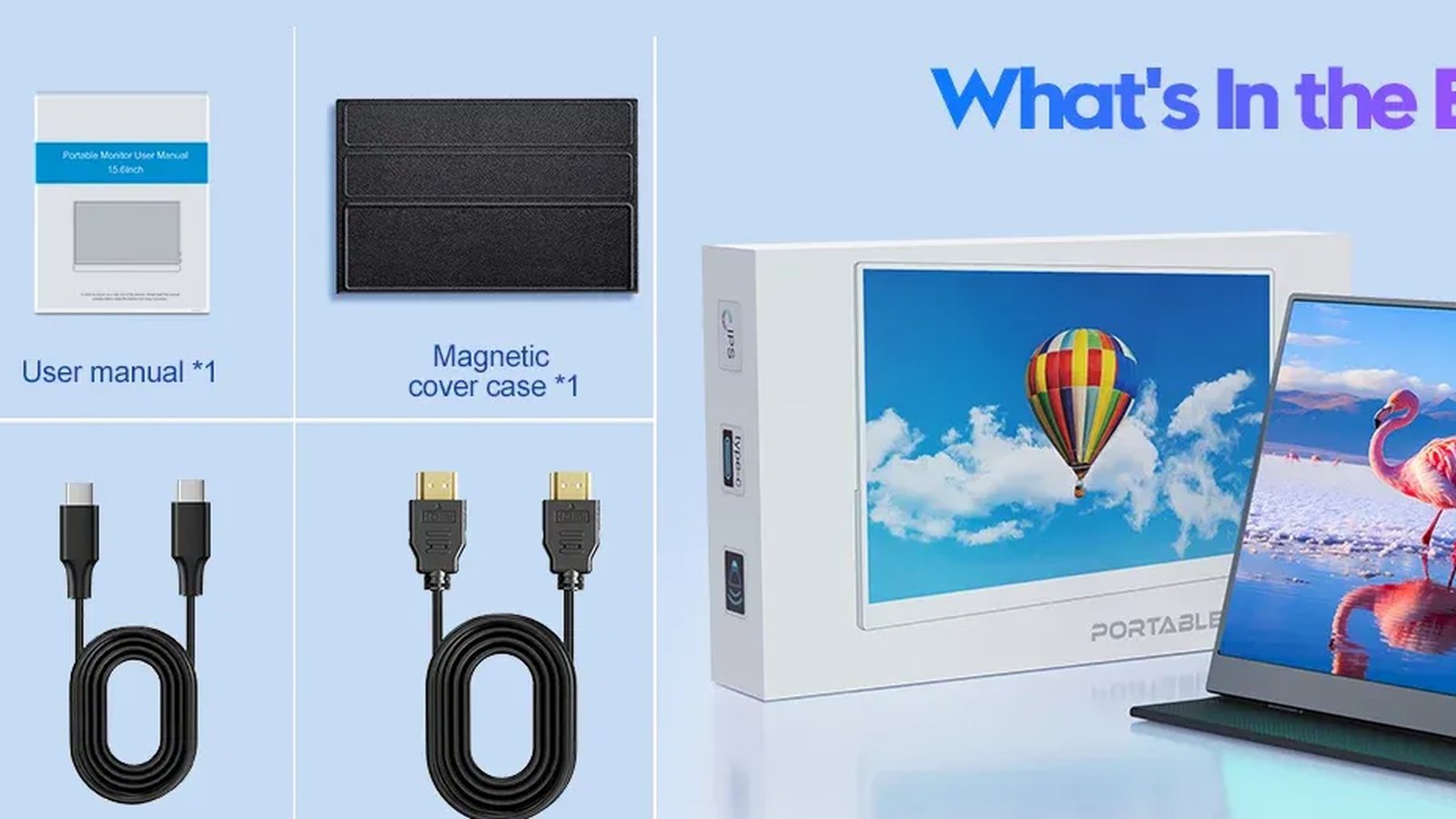
Best Portable Monitor for a Digital Nomad: UK Guide
Choosing the best portable monitor for a digital nomad? A UK take on a 15.6in USB-C second screen that runs off one cable and survives a backpack.
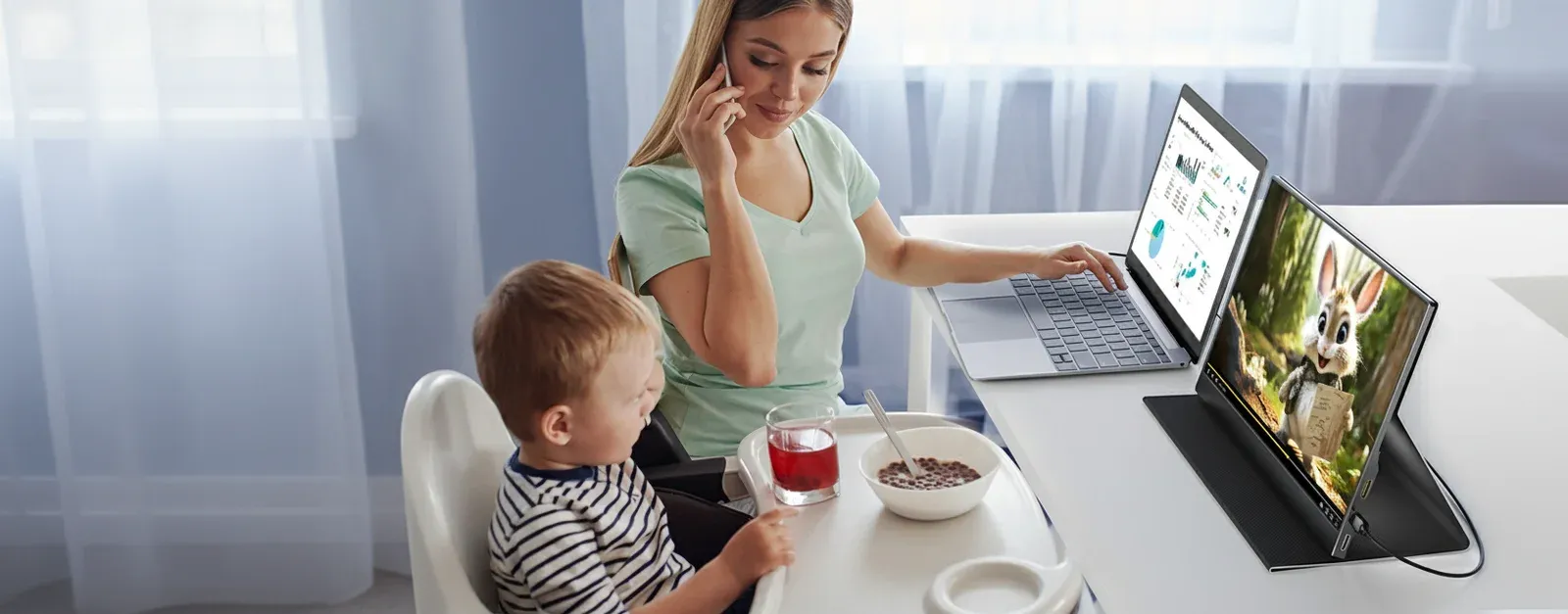
Portable Monitor For Laptop Explained: A UK Buyer's Guide
TL;DR: A portable monitor for a laptop is a lightweight, external screen that connects via USB-C or HDMI to instantly double your workspace. Based on our…
Portable Monitors For Laptops Explained: A UK Buyer's Guide
TL;DR: Portable monitors for laptops are lightweight second screens that make it easier to work, study or travel with more screen space. For most UK buyers,…
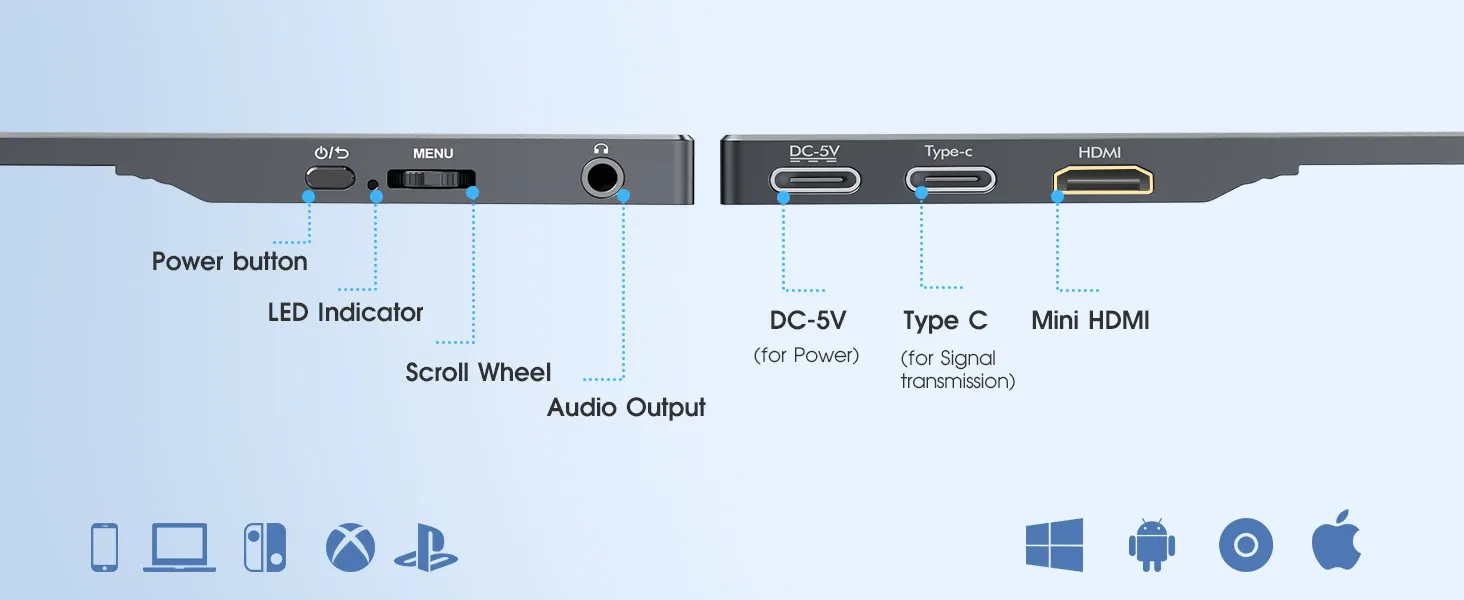
The Ultimate Guide to Coolhood Portable Monitor 15.6'' in the UK
The Ultimate Guide to the Coolhood Portable Monitor 15.6'' in the UK TL;DR: The Coolhood portable monitor 15.6'' is a slim Full HD IPS second screen designed…