Portable Monitor For Laptop Explained: A UK Buyer's Guide
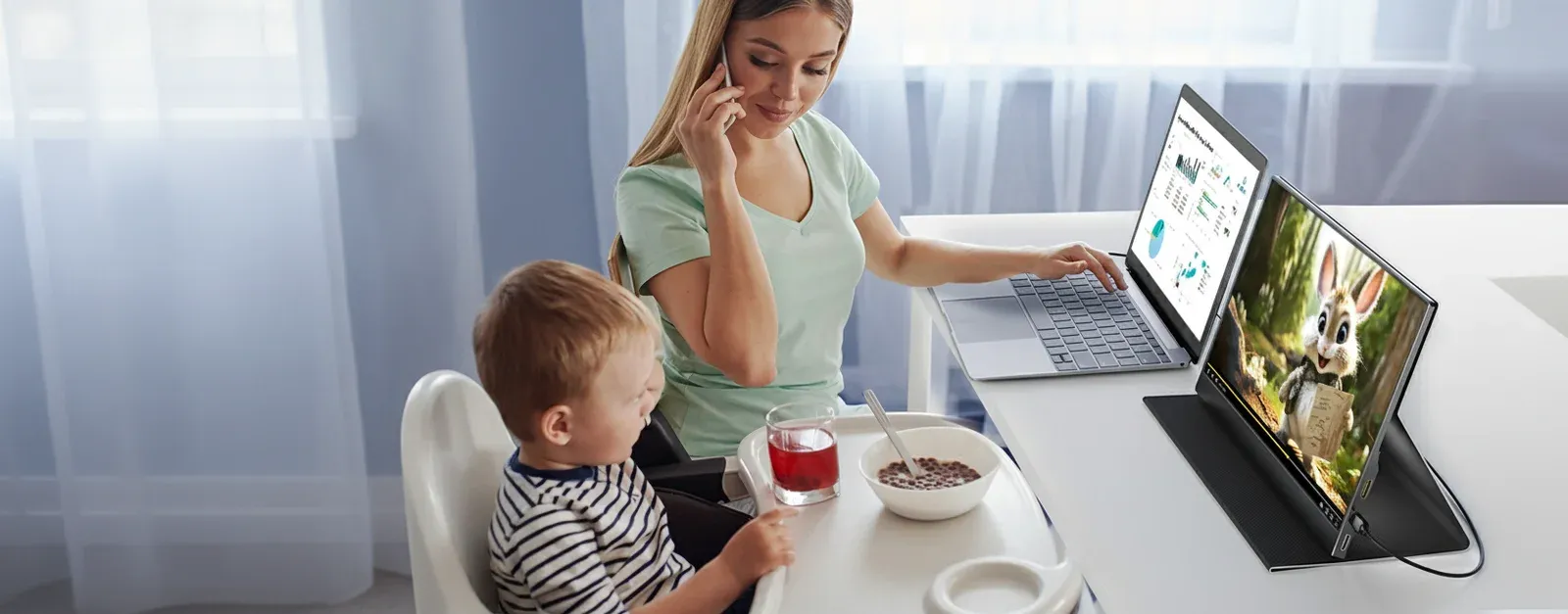
Best Portable Monitor for a Digital Nomad: UK Guide
Choosing the best portable monitor for a digital nomad? A UK take on a 15.6in USB-C second screen that runs off one cable and survives a backpack.
The best portable monitor for a digital nomad is a 15.6in Full HD USB-C panel that runs from a single cable, weighs under a kilo, and packs flat against your laptop. Prioritise full-featured USB-C, a protective cover-stand and a UK warranty over headline specs you will rarely use abroad.
We are Coolhood, and we make exactly one thing: a 15.6in Full HD portable USB-C monitor for UK desks and travel. So read this as an honest field guide, not a neutral league table — where a rival genuinely does something better, we say so plainly.
What a digital nomad actually needs from a second screen
A nomad’s kit is judged in airports and cafés, not on a spec sheet. The screen has to earn a place in a bag you carry daily, set up in seconds on a wobbly desk, and run without a dedicated wall brick to hunt for. That points to a familiar formula: a 15.6in Full HD IPS panel, full-featured USB-C, a stand that holds an angle, and a weight you barely notice. Reviewers who live out of a carry-on agree that a single-cable 15.6in panel is the sweet spot: a document on one screen, references and chat on the other.
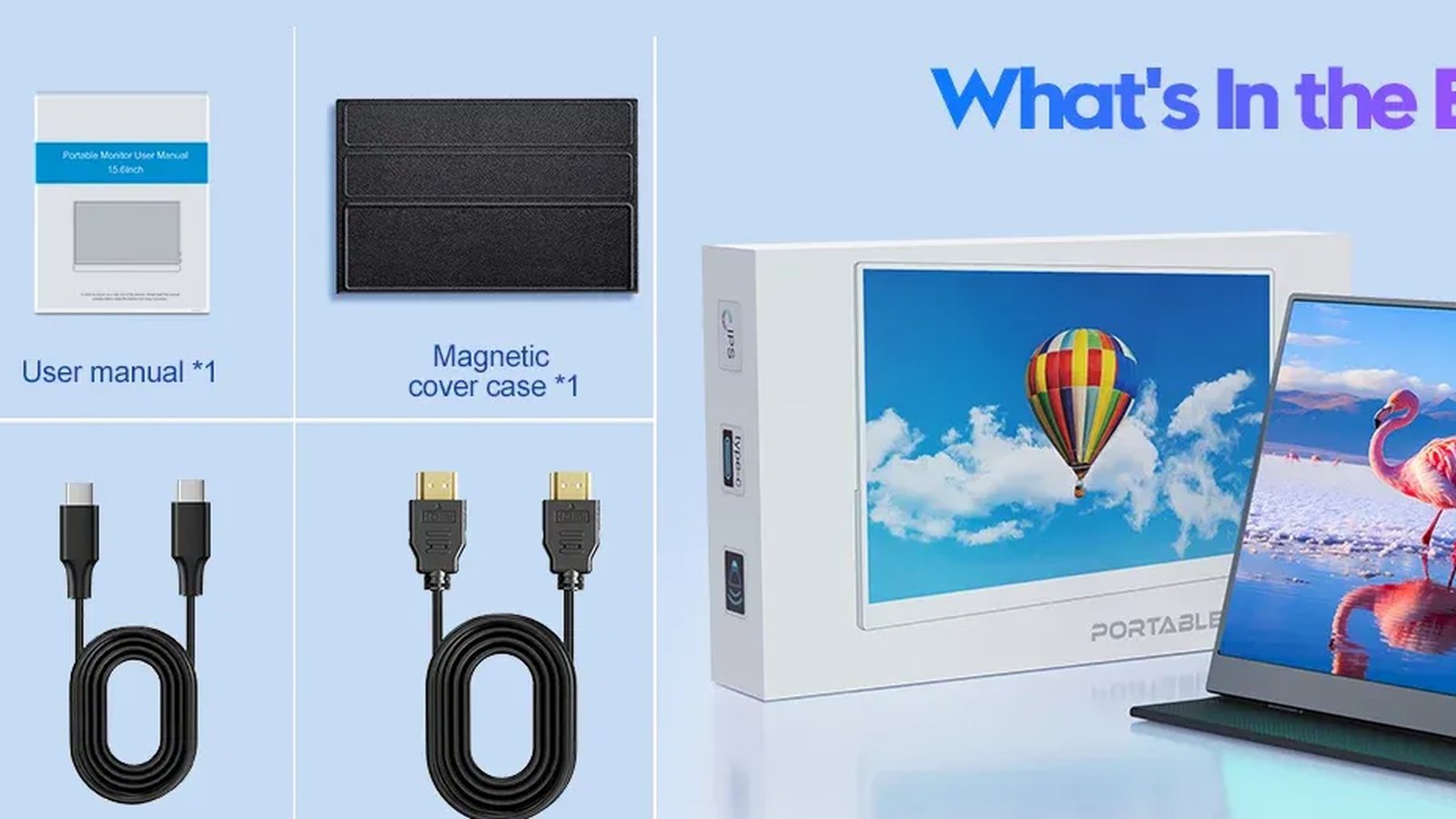
The Coolhood fits that brief: a 1920×1080 IPS panel rated at 300 nits, with HDR and a 60Hz refresh rate, in a 750 g aluminium chassis and a magnetic smart cover that folds into an adjustable stand. There is no built-in battery, which keeps the weight down but means power must come from somewhere — more on that next.
One cable, anywhere in the world
The headline feature of a portable monitor for working abroad is gloriously boring: one cable. The lower USB-C port carries power and video together, so a modern laptop or USB-C phone drives the screen directly. That only works if your laptop’s USB-C port supports DisplayPort Alt Mode — Thunderbolt 3/4 and USB4 ports always do, and MacBooks from the M1 generation onward are safe — so check the port before you fly. If your machine is older or the port is charge-only, the bundled Mini HDMI cable is your fallback, with the upper USB-C port taking power in.
Power abroad worries people more than it should. Your laptop charger almost certainly accepts 100–240V input, so in most countries a plug adapter for the socket shape is enough, not a bulky voltage converter. Because the Coolhood has no mains brick of its own, powering it overseas means feeding it from your laptop or the USB-C charger you already carry. Off-grid, a USB-C PD power bank runs it untethered; guidance for 15.6in 1080p panels favours a proper PD bank over a basic phone pack, as more headroom means fewer flickers. We have not published measured draw or runtime-per-bank figures, so buy headroom rather than calculating to the watt.
Surviving the backpack
Nomad screens are fragile — the most-quoted line in travel-gear writing is that a portable monitor is the first thing to crack and the last thing you would leave behind. Coolhood’s answer is an aluminium alloy body and the PU-leather magnetic cover, which doubles as a screen guard in transit and a stand at the desk. Packed screen-inward and flat against your laptop — never loose in an outer pocket, never in the hold — a 15.6in panel slips into most laptop sleeves, and at 750 g it stays genuinely bag-friendly. For the fuller checklist, our notes on using it as a portable monitor for travel cover sleeves, cabin bags and hostel-desk setups. No crush-test data exists for this panel from us, so treat padding as mandatory rather than optional.
How the Coolhood compares
Here is the honest lie of the land for a portable monitor for digital nomads in the UK.
| 15.6in-class model | Rated brightness | Stand | Honest trade-off |
|---|---|---|---|
| Coolhood 15.6” | 300 nits | Magnetic smart cover | Tinny speakers; no battery |
| ARZOPA A1 | 300 nits | Built-in kickstand | Narrow colour gamut |
| ASUS ZenScreen (16:10) | Varies | Fold/tripod | Pricier; some models heavier |
ARZOPA’s A1 is a close cousin — 15.6in Full HD, rated 300 nits, and a shade lighter at roughly 730 g with a built-in kickstand, so you never depend on a cover. ASUS’s ZenScreen line leans 16:10 for extra vertical space and offers two-way power pass-through that can top up your laptop through the monitor — something the Coolhood does not claim. Acer and InnoView field similar 1080p panels too. Where Coolhood earns its keep is the UK ownership experience: a 2-year UK warranty with UK support, free UK delivery, and 30-day returns under the Consumer Rights Act 2015, at £115.51. For a device that crosses borders, that support matters. The full specification sits on the Coolhood 15.6” Full HD portable monitor page.
Are portable monitors worth it for digital nomads?
For most, yes — with one honest caveat. If your work is genuinely single-window, the extra pane and grams may not pay off. But if you juggle a writing app and references, a call and notes, or code and docs, a second screen restores the desktop workflow you left at home. It is equally handy for coworking spaces and cafés where a laptop lid feels cramped; our guide to working from a café goes deeper on lighting and etiquette. The 300-nit rating handles bright indoor rooms, though we would not promise usable brightness in direct sunlight.
Frequently asked questions
Are portable monitors worth it for digital nomads? For multitasking work, usually yes. A single-cable 15.6in screen restores a two-pane workflow on the road. If you only ever use one window, the extra weight is harder to justify.
Can I power the Coolhood while working abroad? Yes. It draws power from your laptop over full-featured USB-C, or from any USB-C charger or PD power bank. As most chargers accept 100–240V, you typically only need a plug adapter, not a voltage converter.
Do I need a specific laptop for the single-cable setup? Your USB-C port must support DisplayPort Alt Mode. Thunderbolt 3/4, USB4 and M1-or-later MacBooks qualify; otherwise use the included Mini HDMI cable with USB-C for power.
How heavy is it in a bag? The Coolhood weighs 750 g in an aluminium chassis. Pack it flat against your laptop, screen inward, in a padded sleeve and always in your carry-on, not the hold.
Ready to transform your workspace with Coolhood?
Shop Now — £115.51